Before you start
IMPORTANT:
- Not all Sony TVs have the ability to connect to a wireless (Wi-Fi) network. To verify whether your TV is compatible, check the TV specifications available in the supplied manual.
- The setup procedure differs depending on the type of network and LAN router. Before setting up your Internet connection, be sure to set up a wireless LAN router.
To connect to the Internet, devices such as hubs, routers, etc. are necessary in addition to the BRAVIA TV. Furthermore, the connection method varies depending on your device.
- A: Computer
- B: Wireless router
- C: Modem
- D: Internet
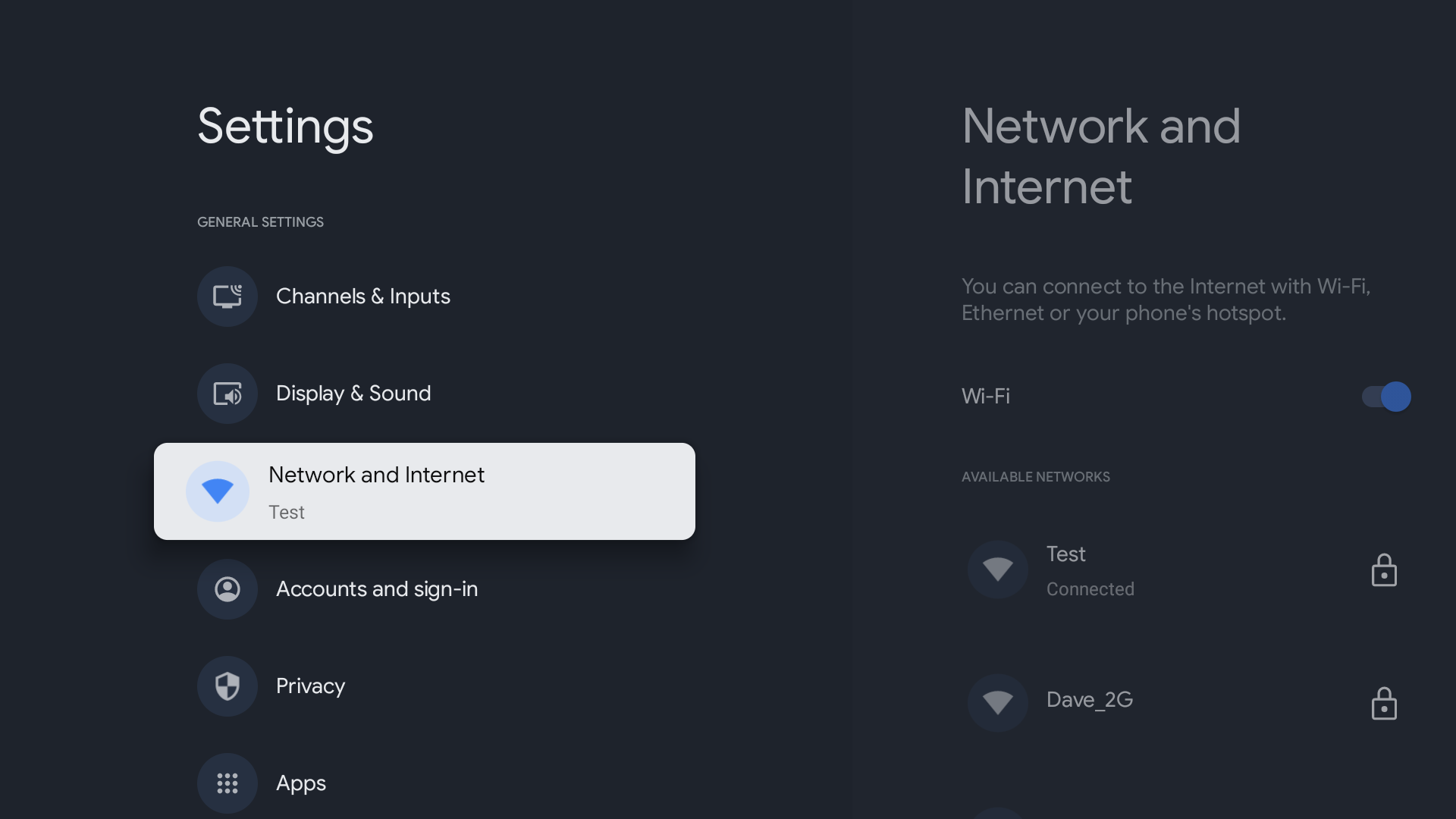
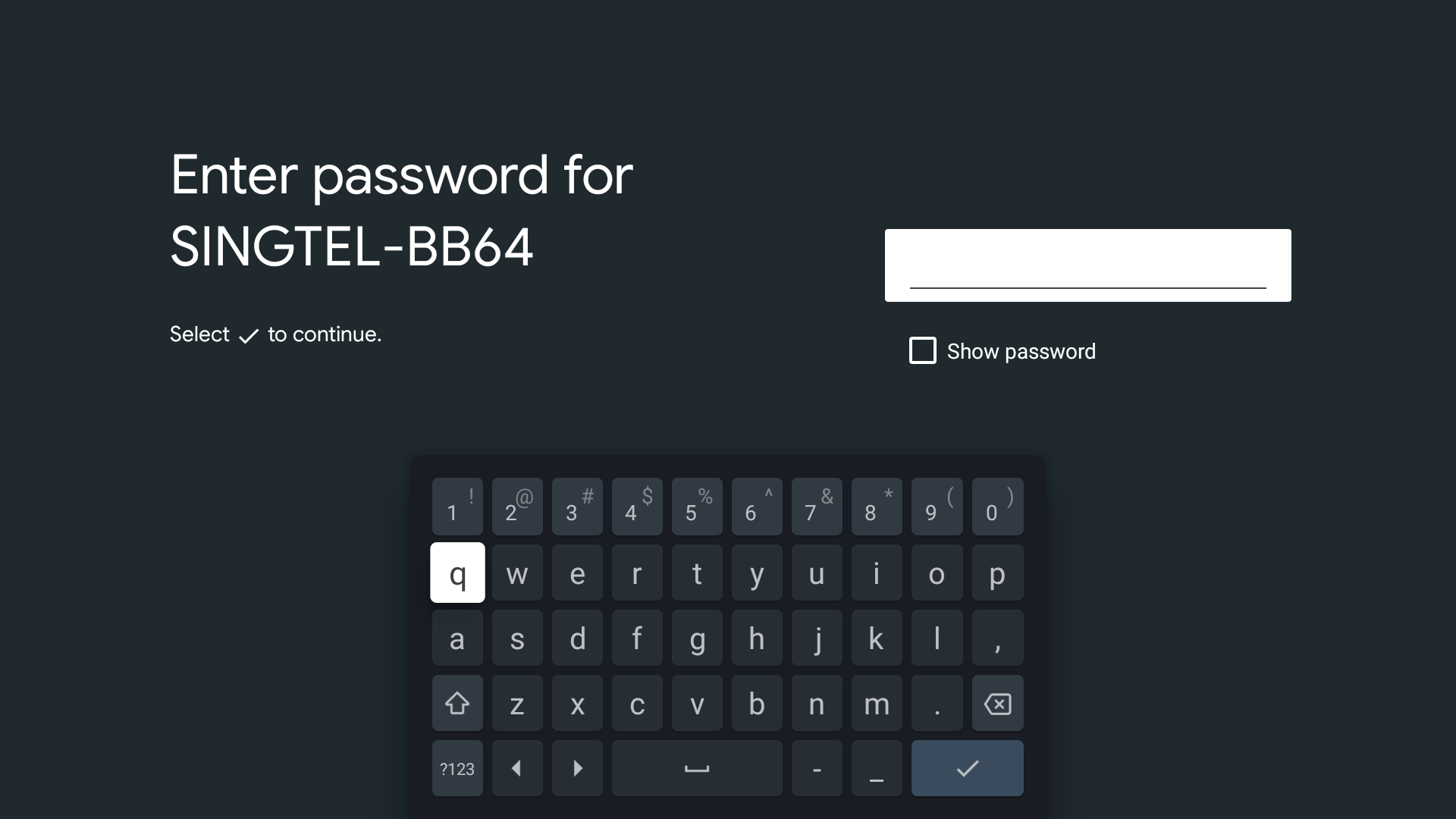
How to set up your TV
The steps differ depending on your TV model type:
Hints:
- To check your TV type, refer to this article: How to check if your BRAVIA TV is a Google TV™, Android TV™, or other TV.
- Check your TV manual for model specific information.
- If your TV cannot connect to the Internet, refer to this article: The BRAVIA TV cannot be connected to the Internet: how to perform a network diagnosis.